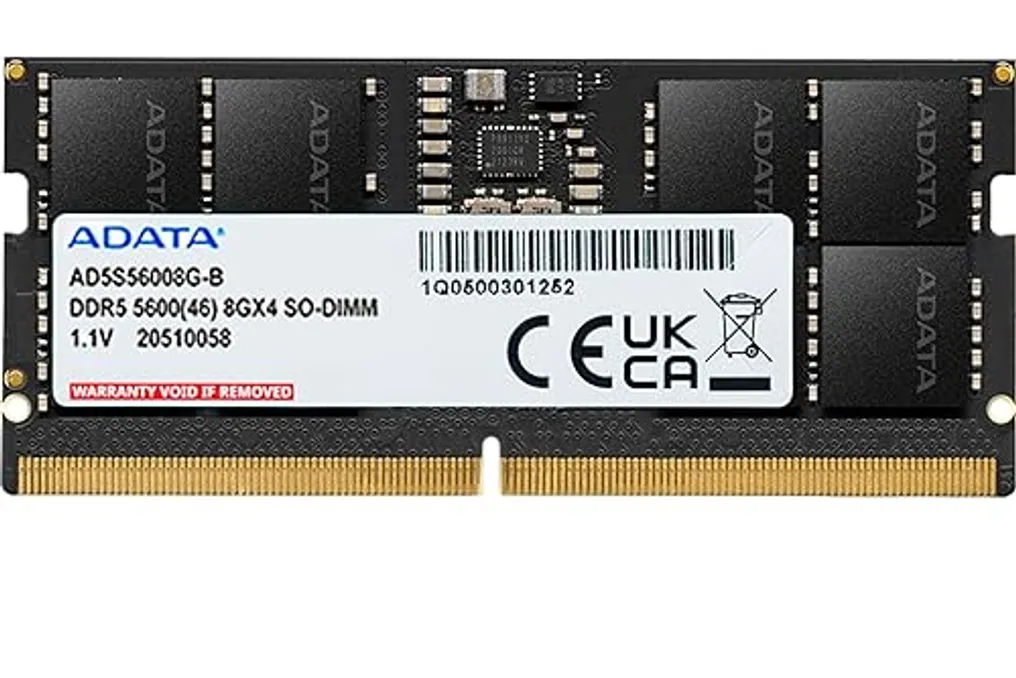
Microsoft has implemented optimizations in Windows 11 aimed at improving functionality on computers equipped with only 8 GB of RAM. This new update seeks to reduce memory usage and decrease reliance on SSD or HDD when multiple programs are open simultaneously.
Pavan Davuluri, head of the Windows and Devices division, stated that the adjustments resulted in system interactions up to 20% more agile and increased task-switching speed for demanding tasks by up to 40%, according to company tests.
These optimization efforts occur during a period of instability in the electronic components market. Due to the expansion of data centers for artificial intelligence, the semiconductor sector has prioritized chip supply for servers, while consumer-oriented components are becoming progressively more expensive; for example, the price of DDR5 memory increased by about 500% between 2025 and 2026, making it harder to build PCs with higher amounts of RAM.
Much of the change lies in how Windows manages available memory exhaustion. When RAM reaches its maximum capacity, the system must move temporary data to the SSD or HDD, which are slower devices that harm program performance. Microsoft modified the Windows compression algorithm specifically for 8 GB RAM machines, allowing up to an extra 2 GB of active data to remain in memory by compressing background information before triggering storage.
In internal tests, actions such as opening the Start Menu or loading File Explorer showed improvements of up to 20% compared to a January version of Windows 11 from the previous year. Furthermore, the update optimized the consumption of third-party applications. In a heavier test scenario, Microsoft reported a reduction of up to 900 MB in memory usage, simulating the opening of 20 tabs in Edge, 4K video playback, handling large documents in Word, Excel, and PowerPoint, among other activities.
Widgets were also configured not to be proactively loaded on computers with this memory configuration, consuming resources only when the user accesses them. Another focus point was reducing the idle time of a tab in the Edge browser. The program now puts these tabs into suspension after 15 minutes, compared to the previous two hours; although the page remains open, its resource consumption is reduced.
Microsoft Teams also adopts Efficiency Mode by default on PCs with 8 GB of RAM. According to the company, this application starts up up to 20% faster and reduces CPU usage, potentially automatically lowering camera resolution to preserve the quality of other elements during a video conference.
These optimizations are part of Windows 11 version 26H2, build 26300.9818 or later. Users can check the availability of this version through the updates panel in Windows Update, within System Settings. It is important to note that some benefits depend on updated application versions, requiring the use of Microsoft Edge 150 or later for the browser.
Microsoft declared that it will continue investing in reducing RAM consumption in Windows, anticipating future improvements in features such as Search and applications like OneDrive and Photos.