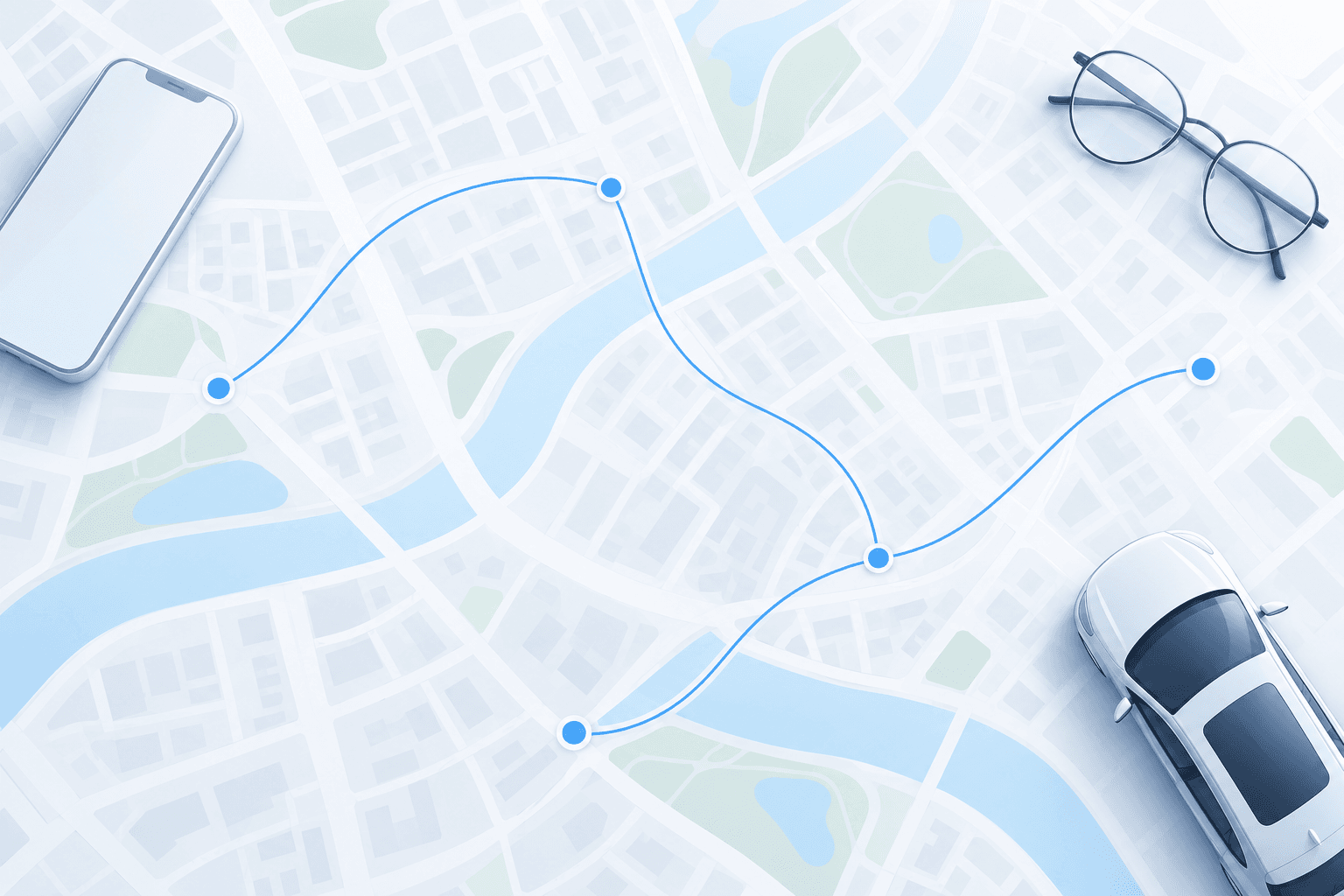
Tencent Map provides developers with agent capabilities via MCP, agent skills, and connectors
Read more
Pandaily
pandaily.com

Tencent Map provides developers with agent capabilities via MCP, agent skills, and connectors

At an industry event, Tencent Map presented a comprehensive overview of agent capabilities within its system during the Tencent Global Digital Ecosystem Summit in Shenzhen on October 30, 2026. The company announced its intention to open these mapping agent capabilities to industrial clients, smart hardware manufacturers, and developers.

Some products are already utilizing these features. These include the Yuanbao assistant, Xiaowei in WeChat, OPPO's Breeno assistant, Rokid AI glasses, and Guangfan's AI wearables. In Yuanbao, a single phrase allows for route planning, and the one-phrase taxi calling function will soon be launched. Through Xiaowei, a user who sees a store recommendation in a WeChat Channels video can ask about the physical store's location and receive an immediate answer.

For automobiles, Tencent has developed a mapping agent consisting of five agents. These agents are responsible for trip planning, map rendering, ecosystem content, intelligent navigation, and parking guidance. Tencent claims that the system is capable of planning a multi-day family trip between cities with just one request, suggesting nearby restaurants according to user preferences, and using vehicle sensor data and lane level data to make calls in complex traffic conditions in real time.

On wearables, Tencent Map launched, according to their description, the industry's first native taxi calling service on AI glasses in collaboration with Rokid. This feature allows users to book, select, and pay for a vehicle using voice without taking out their phone. A similar taxi calling capability is available on Guangfan's AI headphones. Furthermore, Tencent Map is collaborating with HarmonyOS to transfer mapping functions across devices in the OpenHarmony ecosystem, and with Niu for predictive navigation for electric two-wheeled vehicles based on HarmonyOS.

In September, Tencent Map and OPPO's ColorOS released a travel system agent with memory functionality. Tencent reported that the trip planning process was reduced from nine steps to a single phrase, click-through rates in related scenarios doubled, and user retention for the next day increased by almost 1.5 times.

For developers, Tencent provides access to these capabilities through agent-friendly interfaces, including the MCP server, agent skills, and connectors, as well as through agents like WorkBuddy. Developers no longer need to build integrations from scratch to give their applications the ability to understand the physical world, plan routes, recommend places, and call mobility services.

Tencent Map also introduced LBSwork—an AI map desktop workstation built on the same Harness foundation as WorkBuddy. It provides retail, mobility, and cultural tourism clients with a unified platform to integrate artificial intelligence with mapping data.
Similar stories

Tencent's WorkBuddy adds remote control feature to monitor AI tasks from mobile devices
Read more
technode.com

Tencent's WorkBuddy adds remote control feature to monitor AI tasks from mobile devices

Tencent's artificial intelligence agent platform, WorkBuddy, has released a remote control feature supported by the Tencent Edge One team. This new capability allows users to connect to a computer logged into the same account using a mobile application. Users can view the desktop in real-time and intervene in operations if necessary.

Unlike traditional remote desktop tools, which primarily focus on device-to-device access, the WorkBuddy feature is specifically designed for AI agent workflows. Users gain the ability to monitor the agent's actions in real time and intervene if tasks deviate from course or require manual confirmation.

To use this feature, the mobile application must be updated to version 2.7.0 or later, as well as the macOS desktop client to version 5.9.3 or higher. After connecting, the computer screen is displayed in a pop-up window on the app's home page or at the top of the dialogue, allowing monitoring of the agent without leaving the current chat.

If an agent encounters an issue while performing a task, users can intervene directly from their phones. For example, if an account is not authorized or the connector authorization has expired, users can attempt to resolve the issue on mobile devices instead of returning to their computers.

For manual control, users can press the full-screen mode button, which switches the phone interface to landscape orientation and activates the ability to control the desktop via touch input. The interface provides three options: Control, Keyboard, and Mouse, which support actions such as switching windows, returning to the desktop, and text input. A virtual mouse is also available for more precise clicking and scrolling in small areas of the screen.

Regarding security, Tencent states that the feature limits each device to one authenticated mobile device simultaneously. Screen data and control commands are transmitted over an encrypted channel. The platform does not record user input or store video recordings of remote control sessions. Network traffic generated by remote control is deducted from the device's data usage and does not consume WorkBuddy AI agent token quota.

To get started, users need to enable the remote connection option for devices logged into the same account in WorkBuddy settings, install the necessary remote control component, and grant screen recording and accessibility permissions. Once configured, users can connect remotely while the computer remains powered on and WorkBuddy is online.

In practice, this feature helps solve a common problem in AI agent workflows—the need for human intervention during task execution. AI agents are already capable of performing multi-step tasks, such as document organization and data collection, but they can still encounter authorization requirements, permission requests, or operational errors. Remote control gives users the ability to monitor progress and make adjustments from their phones without being tied to their desks.

However, this feature may offer more than just a way to control computers from a phone. It could potentially introduce a more flexible model of human-AI collaboration, where AI handles routine work, and users intervene to make decisions and correct errors at critical moments. Rather than striving for completely autonomous execution at all costs, maintaining human oversight might be a more practical approach for AI productivity tools at the current stage of development.

Nevertheless, a smartphone cannot fully replicate the computer experience. Remote access may be convenient for simple tasks, such as approving permissions or switching windows, but its effectiveness in more complex workflows involving data processing and multiple windows remains to be seen. The feature is currently available for trial use by all users. Tencent reports that future versions will include more enterprise-oriented capabilities, including role-based permission management and audit logs.

Tencent introduces Buddy One, unifying office applications through the WorkBuddy agent and Tencent Drive
Read more
pandaily.com

Tencent introduces Buddy One, unifying office applications through the WorkBuddy agent and Tencent Drive

At the Tencent Global Digital Ecosystem Summit held on October 29th, the company unveiled Buddy One—a system that connects productivity applications for individual users with a unified AI agent. Concurrently, Tencent launched a new cloud storage product called Tencent Drive, designed to function as the storage layer for this agent configuration.

Buddy One integrates tools such as Tencent Docs, Tencent Meeting, Tencent Drive, and the ima knowledge tool, all operating based on the WorkBuddy agent. Users receive a single account for all applications and a shared pool of artificial intelligence credits. Tencent announced that future updates will include shared memory across these applications, along with the addition of new products.

In practice, users connect their accounts via the WorkBuddy PC client, starting from version 5.9.0 or later. After this setup, users no longer need to manually instruct the agent where to search or where to insert context within an application. The query initiates a search across all authorized documents, meeting recordings, and user knowledge bases, and the response indicates which application each source originated from.

Credits acquired or earned in WorkBuddy are converted into Buddy One credits, which are valid across all systems: WorkBuddy, Tencent Docs, ima, and Tencent Drive. The Buddy One VIP plan costs 700 RMB per month and includes premium WorkBuddy level, Tencent Meeting Pro subscription, Tencent Docs premium membership, shared credits, and 1 TB of storage.

Tencent Drive is of particular interest to developers. The company describes it as a cloud storage solution built specifically for agents. In addition to hosting shared storage for WorkBuddy, Tencent Docs, and other Tencent applications, it can connect to supported third-party agents and applications via a Command Line Interface and Model Context Protocol. This allows a user to draft something in one AI tool and continue working on it in another without re-uploading files. The WorkBuddy knowledge base feature already operates based on Tencent Drive.

For enterprise clients, Tencent Drive functions on Tencent Cloud Object Storage, providing end-to-end encryption, offsite disaster recovery, and VPC deployment. Administrators can set granular access rights for both employees and AI tools. Furthermore, Tencent has increased the storage capacity in the corporate version of WorkBuddy from 5 GB to 50 GB per user.

Tencent also announced further expansion of the WorkBuddy architecture, enabling companies to integrate their own agents, third-party agents, and external messaging systems. Dougson Tong, Head of Tencent's Cloud Division, noted that the choice of model, agent, and messenger must remain with the enterprise.

Kingdee Updates Lingee Agent Platform and Releases Benchmark with Over 1400 Tasks for Corporate Agents
Read more
pandaily.com

Kingdee Updates Lingee Agent Platform and Releases Benchmark with Over 1400 Tasks for Corporate Agents

The Chinese enterprise software developer Kingdee has unveiled three updates to its Lingee operating system for corporate AI agents, alongside the launch of Lingee Bench—the first agent benchmark in China focused on enterprise management tasks.

These announcements were made at the Kingdee Global Innovators Conference in Beijing on October 23rd, according to information from Kingdee and the Chinese tech publication Zhidx.

The first update, named Lingee Manage, is positioned as a decision-making hub for executives. Kingdee asserts that this feature allows artificial intelligence to perform tasks while humans make the final decisions. It includes a personal assistant for each manager that operates within their authority, provides reports, offers a workspace for managing a single major issue from planning to resolution with full logging and review, and features a so-called AI organization where employees and agents collaborate.

Two other updates enable agents to understand the company from the outset. The Enterprise Context function integrates ERP data, knowledge bases, memory, partner MCP services, and external data, transforming them into assets that agents can read and track. Kingdee reports that the system currently covers over 30 types of data sources, more than 30,000 business objects, over 800,000 semantic fields, and 170,000 business rules.

Furthermore, ERP Connectors have been launched, comprising 70 connectors and 1,127 tools for interacting with Kingdee's ERP product lines, allowing agents not just to answer questions but also to execute business operations and request data.

Kingdee demonstrated use cases with clients. In a Malaysian conglomerate with 3,000 employees, agents now handle expense claim verification, matching, routing, and processing, reducing the cycle time from five days to one, and decreasing manual effort in three-way matching by 89%. At the renewable energy operation division of Sungrow, tender preparation time was reduced from six days to one and a half.

Lingee Bench, released in collaboration with model developers and universities and accompanied by technical documentation, contains over 1,400 questions distributed across four test sets: general office tasks, finance, supply chain, and manufacturing. Its goal is to measure an agent's ability to complete a task in a real business environment, do so correctly, and provide verifiable results. Agent development companies and model creators can use this benchmark to test their own models and mechanisms. Since the benchmark was developed by Kingdee and its partners, any resulting scores should be considered current developer reports.

Kingdee also showcased collaboration with StepFun, whose models are now used for analyzing AI data and notes in Lingee. StepFun founder Jian Dasin stated that the company's phone, STEPX Neo, will be connected to Lingee so that its personal agent can directly invoke Lingee skills.

Popular