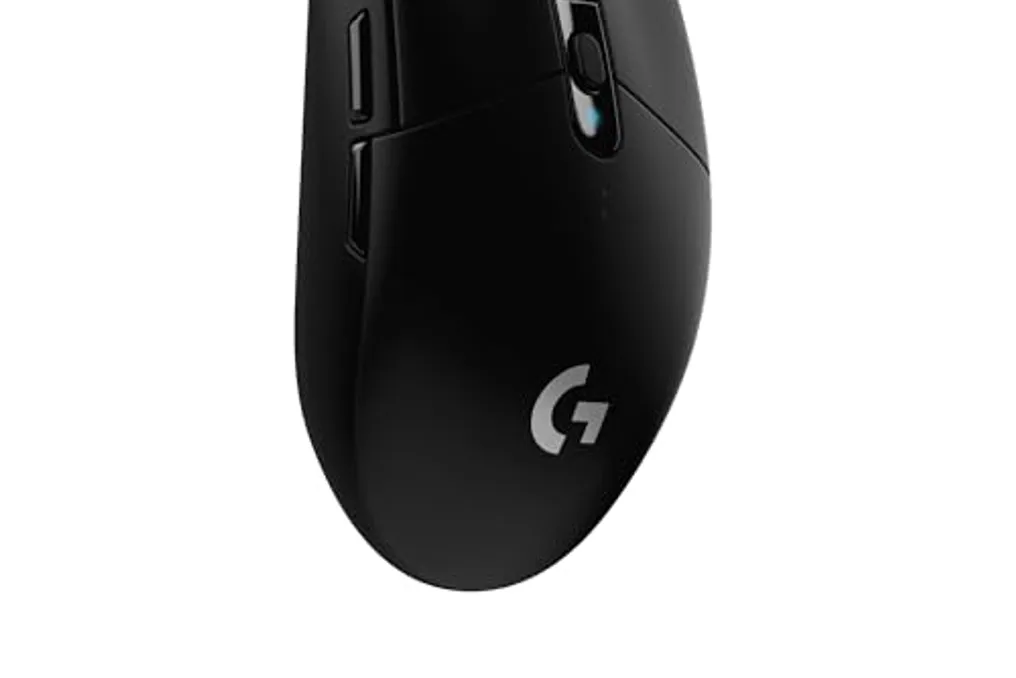
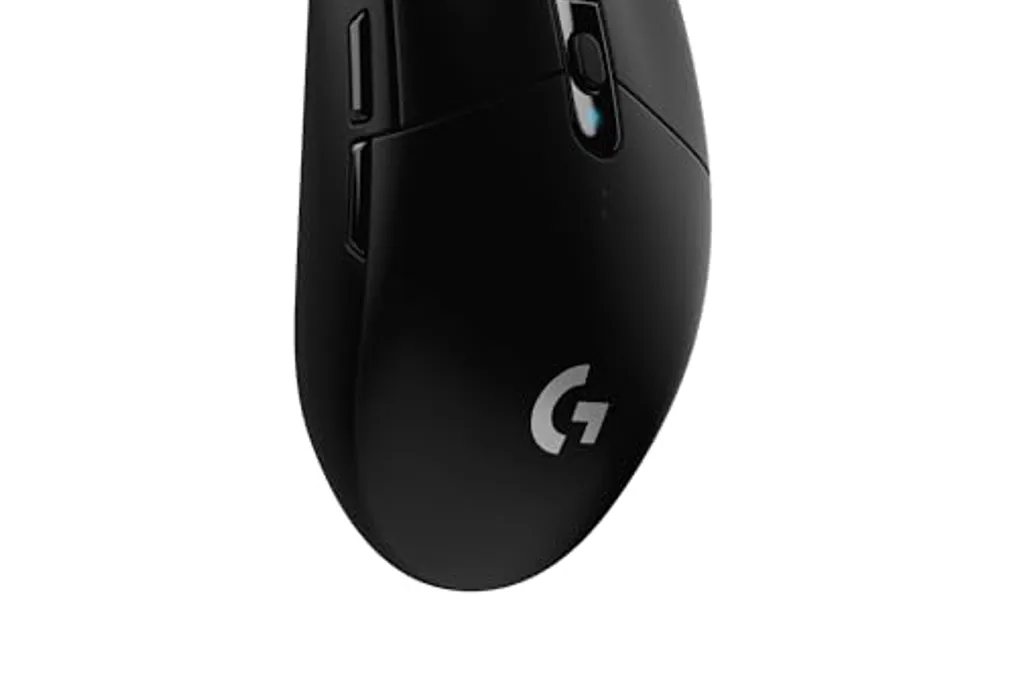
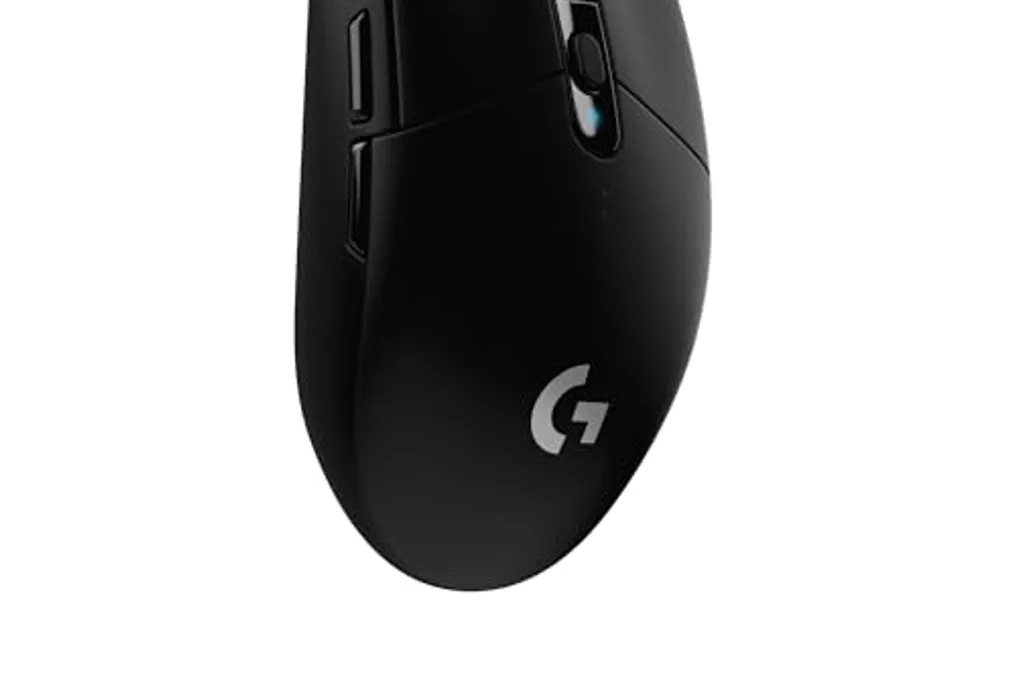
Microsoft continues to update its suite of tools known as the 'Swiss Army knife' for Windows. The latest version, PowerToys 0.102, introduces two new and relevant utilities focused on mouse functionality.
One of these features is called Mouse Button Lock. When activated, this utility allows the user to press one of the mouse buttons for a very brief period, but the Windows operating system interprets that the button remains continuously pressed.
This enables tasks that require a mouse button to be held down for a long time, such as selecting text, moving files, or resizing elements, all without causing fatigue. This feature can also be beneficial for people with motor difficulties.
Mouse Button Lock can be applied to all mouse buttons (left, middle, and right). Additionally, the user has the option to configure the time required for the automatic lock to trigger. A new tap serves to instantly interrupt the lock.
The second mouse-related novelty is CursorHide. This function allows the mouse pointer (arrow) to be automatically hidden while typing, during periods of inactivity, or in both situations. As soon as the mouse is moved, the cursor reappears on the screen.
CursorHide can help the user prevent the cursor from covering important information or unintentionally distracting their focus.
Other additions in PowerToys 0.102 include the availability of the software on GitHub, where users should select the x64 version for Intel or AMD processors, and the ARM64 version for Arm chips. Users of previous versions may receive an update notification when starting the application.
Although the main focus is Windows 11, PowerToys 0.102 also supports Windows 10.