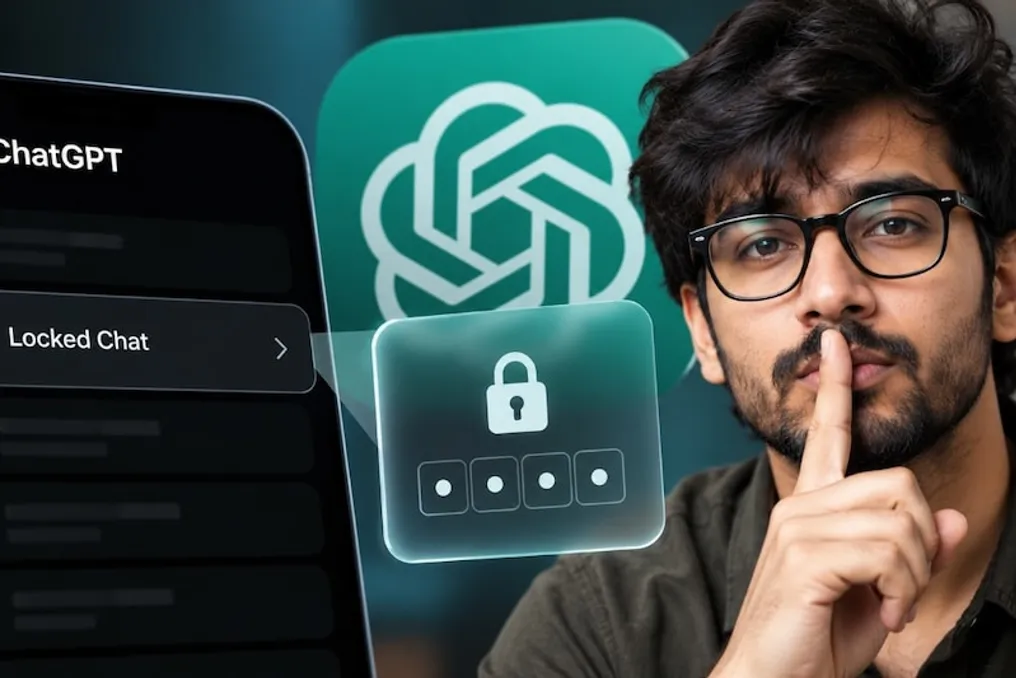
For ChatGPT users who share personal information, consult on confidential matters, or conduct conversations they do not want others to see, there is good news. The company OpenAI has launched a new feature called Locked Chats.
With this feature, users can lock selected chats using a four-digit PIN code. After locking, these conversations no longer appear in the regular chat history, pinned chats, or search results.
An important advantage of this tool is that users do not need to delete old conversations; they can save them in their account and restore them if necessary using the set PIN. This feature is gradually becoming available to users, so the absence of the option in an account does not necessarily indicate a problem.
How does the Locked Chats feature work in ChatGPT?
Previously, to remove a conversation from the standard ChatGPT history, one had to either archive it or delete it. However, even archived chats could be found through the history. Deleting them made resuming the conversation extremely difficult.
The Locked Chats feature offers a new solution to this problem. When a user locks a specific conversation, it disappears from the general list of chats and search results. To access it, the user must enter a four-digit account PIN. On supported mobile devices, biometric methods such as Face ID or Touch ID can also be used.
For example, if a user discusses personal matters, confidential work information, or a surprise plan in ChatGPT, they can lock that chat. This ensures that another person opening ChatGPT on a phone or computer will not see that conversation in the general history.
How to lock a chat in ChatGPT?
To use this feature, you first need to open the chat in ChatGPT that you plan to lock. Then, go to the 'More Options' menu, indicated by three dots next to the chat, and select the 'Lock chat' option.
Upon the first lock, ChatGPT may prompt you to create and confirm a four-digit PIN. After setting the PIN, the selected conversation will move to the Locked Chats section. To reopen it, you need to go to the Projects section, select Locked Chats, and enter your PIN. If the device supports it, biometric protection can also be used.
It is important to remember that the implementation of this feature is gradual. If the 'Lock chat' option is missing from the three-dot menu, it may not have been activated for that account yet.
Will my conversation be completely private with Locked Chats?
It is important to understand the essence here: Locked Chats is designed to hide the conversation from the general chat history and protect access to it using a PIN. This does not mean that the chat is fully encrypted or that OpenAI cannot access it.
The feature hides the conversation from the regular history, pinned chats, and standard search results. Nevertheless, the account data processing policy, conversation retention period, and other existing rules remain unchanged. Therefore, it should be viewed as an additional privacy service, not as an absolutely secret digital vault.
What happens if I forget my PIN?
When using this feature, it is important to remember the importance of remembering your PIN. According to the OpenAI support page, if a user forgets their PIN and attempts to reset it, the reset process may lead to the irreversible deletion of Locked Chats and the associated information or files that were protected only by the old PIN. This process cannot be undone.
Therefore, it is recommended to choose an easy-to-remember PIN, avoid sharing it, and ensure the security of your own account, especially when using shared computers or phones.