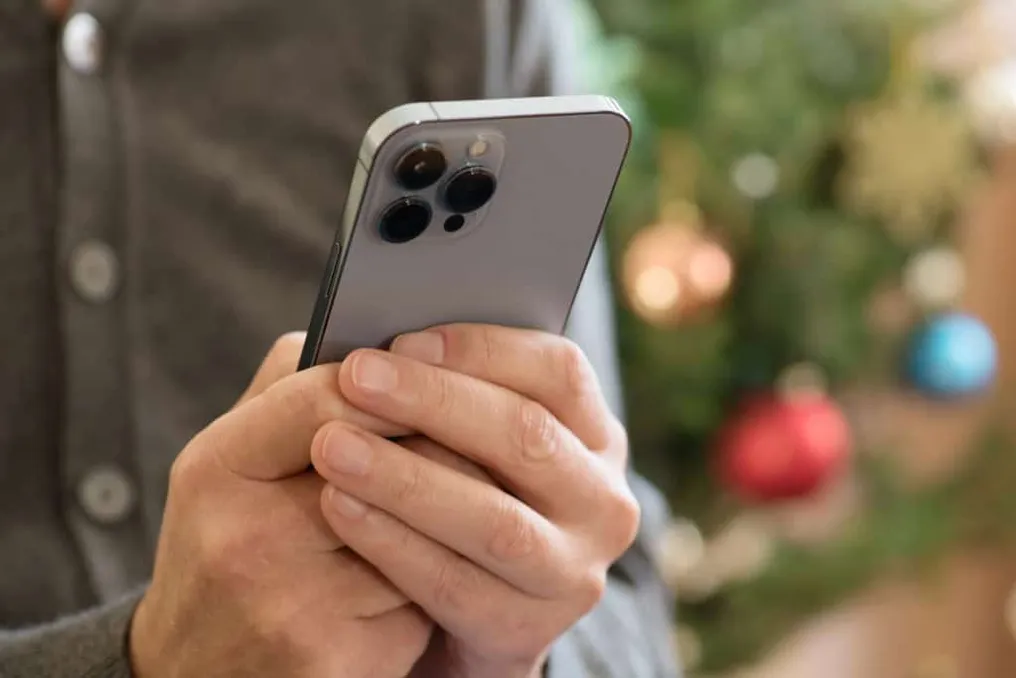
iOS 27.0.1 released to fix bugs in Face ID and iPhone screens
Read more
Olhar Digital
olhardigital.com.br

iOS 27.0.1 released to fix bugs in Face ID and iPhone screens

Apple has begun distributing iOS 27.0.1, which is the first corrective update to the operating system. This version brings solutions for various issues that were impacting, especially, the latest models, such as the iPhone 18 Pro and the iPhone 18 Pro Max.

Among the implemented fixes is a defect that caused unscheduled restarts after a failed attempt at authentication via Face ID, as well as another problem that compromised screen functionality.

The release of this update occurred on Monday, the 28th, and it also addresses an issue that generated a color artifact in certain images taken with 2x zoom on the iPhone 18 Pro.

Fixes for Face ID Issues

The main point addressed by iOS 27.0.1 relates to Face ID. According to Engadget, users of the iPhone 18 Pro and iPhone 18 Pro Max reported that their devices could restart unexpectedly when the system failed to recognize the user's face.

Although some consumers opted to exchange their devices with Apple, the problem persisted even on replaced units. Later, the company confirmed that it was developing an update to resolve this flaw, and now, with iOS 27.0.1, the issue is addressed through software.

Additionally, the update resolves a flaw related to the cameras of the Pro models, where photos captured with 2x zoom on the iPhone 18 Pro could display a color artifact; this error was part of the set of problems corrected by the new system version.

Touch Screen Issue

Another flaw corrected by iOS 27.0.1 affected the touch screen. In certain circumstances, the device would stop responding when the user simultaneously accessed the Notification Center and the Control Center.

Although this inconvenience did not result in permanent damage to the equipment and could be solved with a forced restart, it was still capable of temporarily rendering the device inoperable.

Similar stories

Face ID failure on iPhone 18 Pro may cause unexpected smartphone restarts
Read more
tecnoblog.net

Face ID failure on iPhone 18 Pro may cause unexpected smartphone restarts

Some users of the iPhone 18 Pro and iPhone 18 Pro Max models have reported freezes and automatic restarts on their devices, an issue that arises after failures in biometric recognition via Face ID.

This inconvenience appears to occur specifically when the biometric feature is used more than once to access content or applications that require protection. The reports were shared online, and the portal 9to5Mac managed to replicate the failure on a European unit of the 18 Pro, where the device stopped responding to touch and restarted a few seconds later.

Although the exact scope of the problem remains uncertain, the failure does not seem to affect all devices in this line. The bug manifests when the system fails to authenticate the user within a secure application, such as the Passwords app, private Safari tabs, or other programs configured to require biometrics.

In tests conducted by the portal, the first recognition failure did not cause the iOS to crash. However, the freeze occurred when the user selected the 'Try Face ID again' option, a behavior distinct from that observed when using biometrics on the lock screen.

The same reports were found on the Reddit platform. An owner of the iPhone 18 Pro mentioned that their device had already frozen and restarted several times. Some users indicate that the error persists even without screen protectors, while others only notice the problem after Face ID fails initial identification and offers the option for another attempt.

The iPhone 18 Pro and 18 Pro Max models introduced a reduced version of the Face ID sensor array, with the infrared camera now integrated under the screen, near the watch area. It is unclear whether this new component is related to the errors or if there is a flaw in iOS 27. Apple support reportedly indicated a potential hardware failure in at least one service instance, and a Reddit user reported that the company suggested replacing the phone after trying some solutions.

Currently, there is no official fix available for this issue. As a temporary and unofficial solution, affected users are advised to avoid attempting biometric authentication a second time in protected applications and instead use the passcode.

Popular